AELog
Extensible on-device dev tools for Kotlin Multiplatform.
AELog is a lightweight, plugin-based developer tools library for KMP apps. It provides a beautiful Compose UI overlay for inspecting logs, network traffic, and more — all without leaving the app.
What Is AELog?
The Big Picture
AELog is an in-app debugging overlay for Kotlin Multiplatform apps. Imagine you're developing a mobile app and you want to see, while the app is running:
- All log messages your code emits
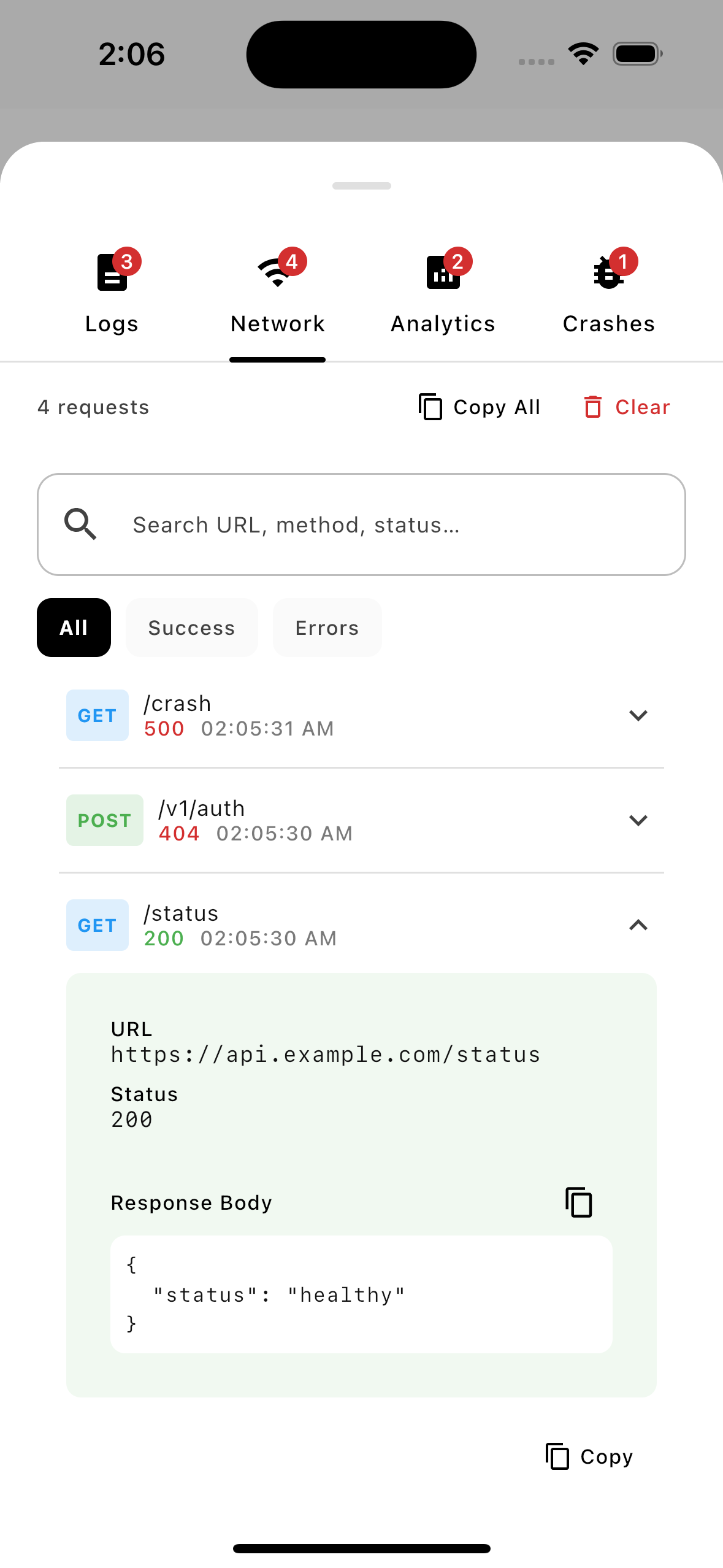
- Every HTTP request your app makes
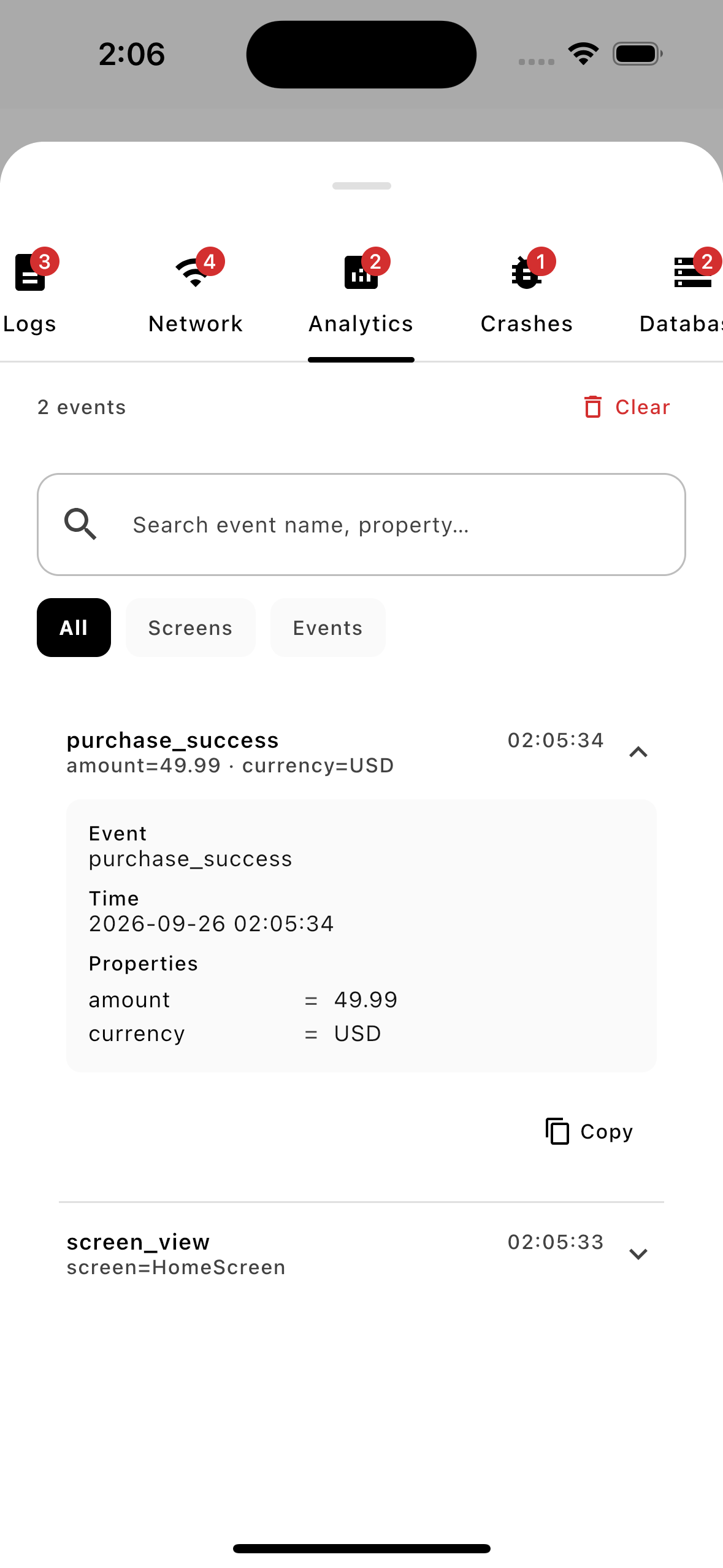
- Every analytics event being tracked
Today, developers attach a laptop, hook up Logcat (Android) or Console.app (iOS), and read logs externally. That's painful — especially on iOS, or when testing on someone else's device.
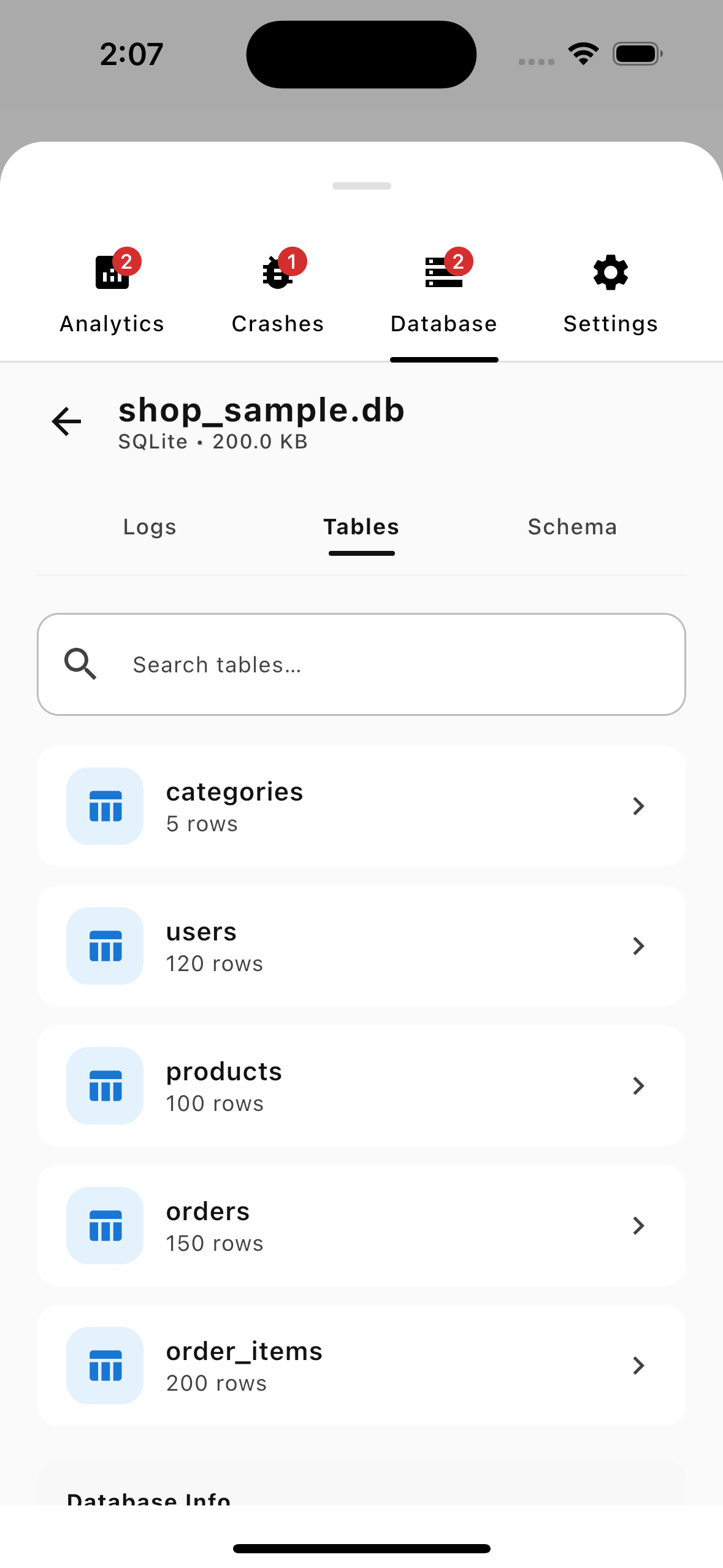
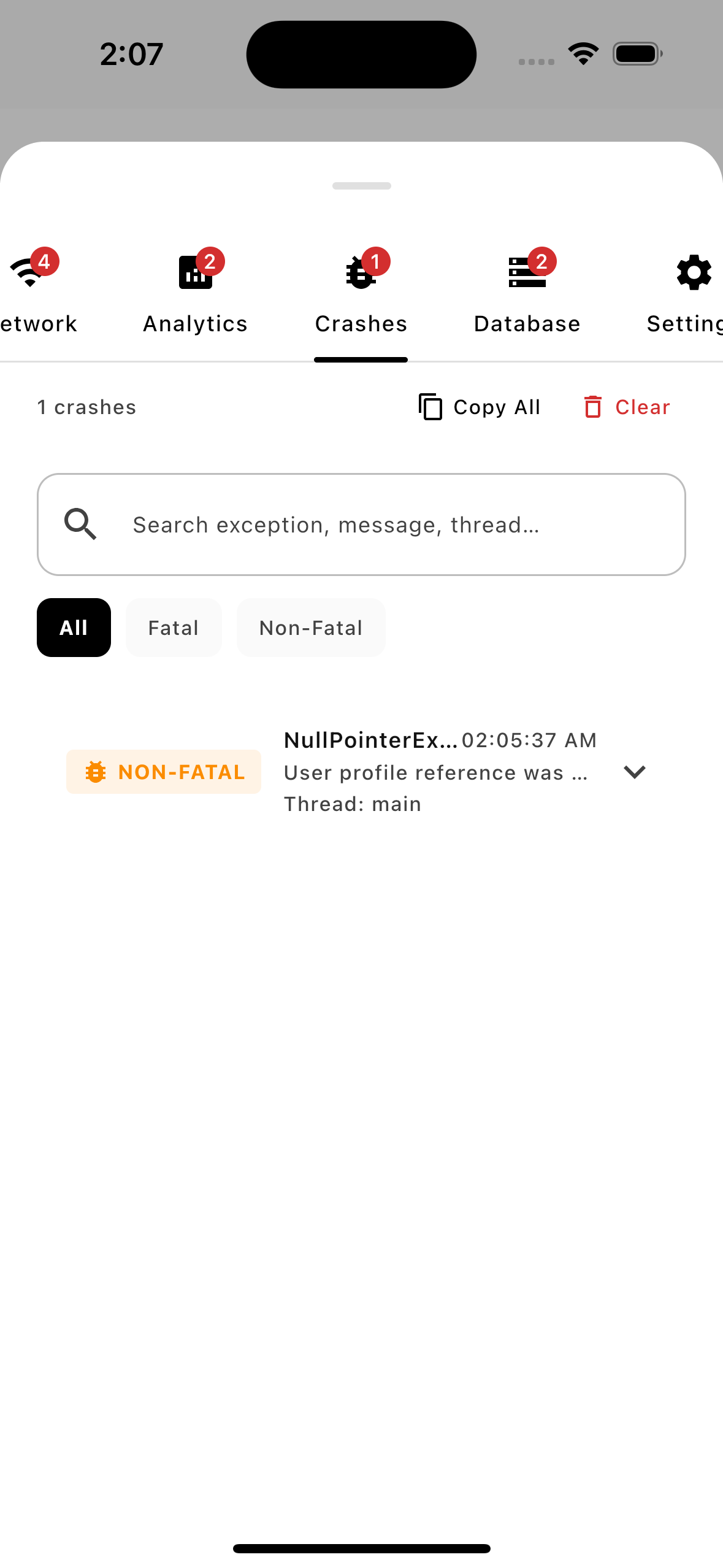
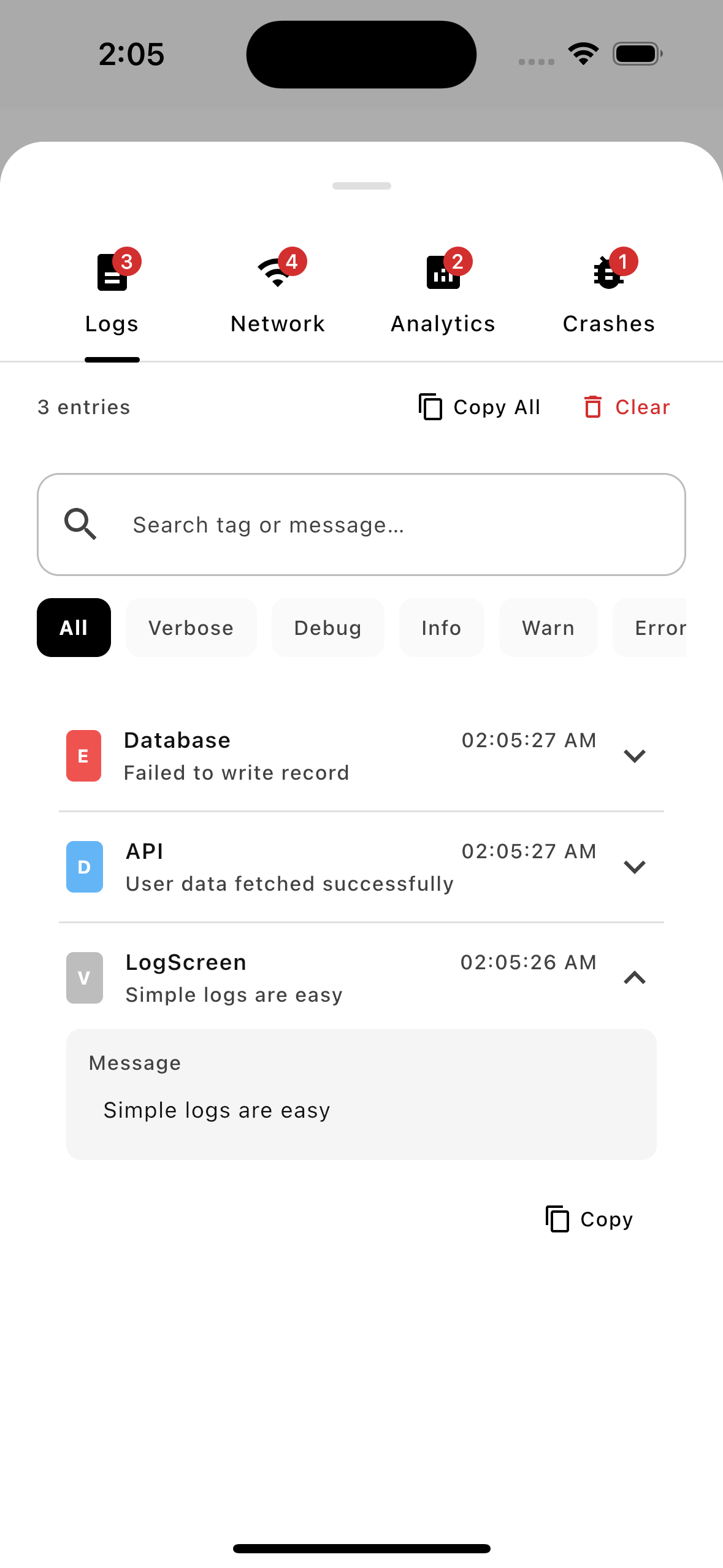
AELog solves this by drawing a debug panel directly on top of your app's UI. Tap a floating bug button → a panel slides up showing tabs for Logs, Network, Analytics. No external tools needed.
The Core Idea: Plugins
Everything in AELog is a plugin. The library itself is just a host that:
- Manages a list of installed plugins
- Renders them as tabs in an overlay panel
- Provides each plugin with a coroutine scope, an event bus, and a way to find sibling plugins
Three built-in plugins ship with the library:
| Plugin | Description |
|---|---|
LogPlugin | Captures text logs (like Logcat) with severity filtering |
NetworkPlugin | Captures HTTP traffic — requests, responses, and headers |
AnalyticsPlugin | Captures analytics events and screen views with custom properties |
You can write your own plugins for anything else (database inspector, feature flag toggler, etc.).
Features
- 📋 Log Viewer — Real-time log inspection with severity filtering
- 🌐 Network Inspector — Detailed view of HTTP traffic and JSON payloads
- 📈 Analytics Tracker — Monitor properties across app flow
- 🔌 Plugin System — Easily extend with custom decoupled
UIPluginorDataPlugin - 🎨 Compose UI — Material 3 themed overlay with dark/light mode support
- 📱 Multiplatform — Works seamlessly across Android, iOS, and Desktop